Creates SEO-focused content for ClassifyLanka.com promoting Sri Lankan businesses by developing clear, structured articles and directory updates that help you understand, navigate, and discover trusted services across Sri Lanka.
View Bio
From Card to Token: How Secure Is Google Pay for Sri Lankan Users?
Published November 19, 2025 | Last Modified November 19, 2025
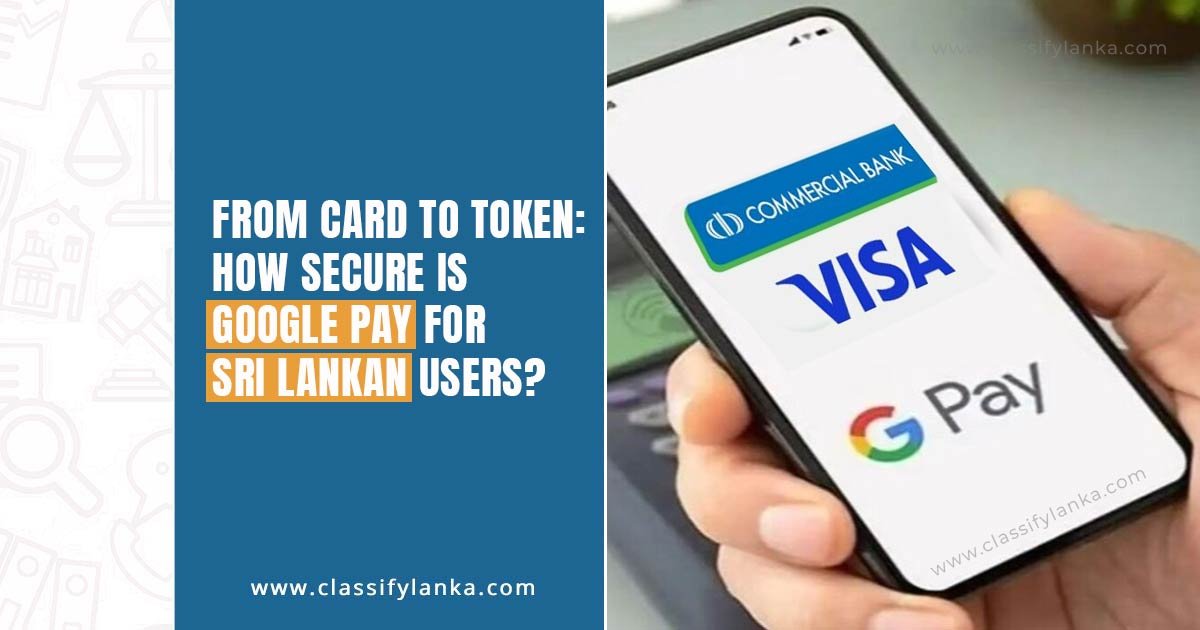
Google Pay is officially available in Sri Lanka, opening the door to a smoother and more secure digital payment experience. Commercial Bank Visa cardholders are the first to enjoy this upgrade, and all it takes is an Android phone with NFC to get started.
As more Sri Lankans shift toward digital wallets and contactless payments, one question stands out: How secure is Google Pay? This guide breaks down everything from setup to tokenization to help you understand the real level of protection behind every tap.
Google Pay Launches in Sri Lanka for Commercial Bank Visa Users
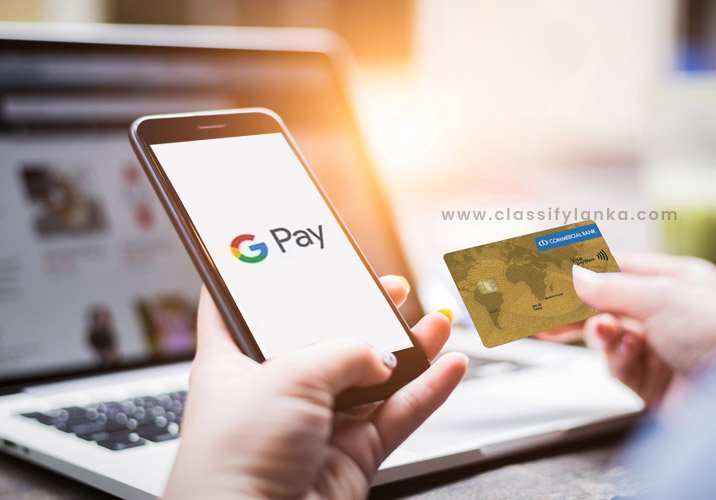
The arrival of Google Pay in Sri Lanka marks a significant milestone in the country’s digital banking journey. With Commercial Bank leading the rollout, Visa credit and debit cardholders can now add their cards to Google Wallet and start making tap-to-pay transactions instantly.
This launch gives Sri Lankan shoppers a modern, globally recognized payment option that’s fast, hygienic, and remarkably secure. It also supports the growing demand for cashless and contactless payments across daily life.
Why Is Google Pay a Big Deal for Sri Lanka?
The arrival of Google Pay in Sri Lanka comes at a time when the country is rapidly embracing digital payment solutions. Here’s why its launch really matters for everyday users and businesses alike:
💳Accelerates the move toward a cashless lifestyle More people can now rely on secure mobile payments instead of carrying cash or physical cards.
🛒Enhances online shopping experiences Checkouts become faster, safer, and more convenient across e-commerce platforms and apps.
🚍Supports travel, transport & everyday payments From retail stores to services and transport, tap-to-pay reduces the hassle of handling cash and paper receipts.
📲Strengthens digital financial inclusion Google Pay opens the door for more Sri Lankans to access modern fintech tools with strong built-in security.
With growing merchant acceptance and bank support led by Commercial Bank Visa cards, Google Pay is set to make digital transactions smoother, safer, and more accessible across Sri Lanka.
Easy Setup: Add Your Commercial Bank Visa Card to Google Wallet
Getting started with Google Pay is surprisingly simple. Users only need:
An Android phone
NFC capability
The Google Wallet app
A Commercial Bank Visa card
After adding the card and completing a quick verification step, your phone becomes your secure payment tool. No lengthy forms. No complicated processes. Just a straightforward setup that instantly prepares your device for mobile payments.
How to Pay with Google Pay in Sri Lanka
Using Google Pay feels effortless and natural, especially for in-store purchases. Here’s how tap-to-pay works:
Unlock your phone.
Hold it near the merchant’s NFC-enabled payment terminal.
Wait for the vibration or confirmation tone.
Payments are completed within seconds, making checkout lines move faster and reducing physical contact. Google Pay also simplifies online shopping – no need to type card numbers repeatedly. A quick confirmation is all that’s required.
Card Tokenization: The Hidden Security Engine Behind Google Pay
One of the strongest security features of Google Pay is card tokenization. Instead of sharing your actual card number during a transaction, Google Pay uses a unique token a randomized digital code that replaces your real card details.
This means:
Merchants never see your actual card number.
Your card information never travels through the payment terminal.
Even if someone intercepted the token, it would be useless.
Tokenization adds a powerful barrier between your financial data and potential threats, making Google Pay significantly safer than traditional card swipes or PIN entries.
Is Google Pay Secure for Sri Lankan Users?
Yes, Google Pay is engineered with multiple layers of security that protect every transaction. Here’s why it’s considered safer than carrying a physical card:
Real card numbers are never shared or stored anywhere.
Each payment uses a one-time dynamic security code.
Your phone’s screen lock PIN, fingerprint, or face unlock adds another layer of protection.
Lost devices can be locked or wiped remotely, unlike lost physical cards.
Merchants never receive sensitive data, reducing the risk of database leaks.
With these protections working together, Google Pay becomes a highly secure payment method for everyday use.
Why NFC Is Required for Tap-to-Pay Transactions
To use Google Pay at physical stores in Sri Lanka, your Android device must support Near Field Communication (NFC). This technology allows your phone to communicate with payment terminals securely and instantly.
If your device lacks NFC, you can still use Google Pay for online purchases but tap-to-pay won’t work.
Most modern Android smartphones, especially mid-range and flagship models, already include NFC, making adoption easy.
A Safer, Smarter Way to Pay in Sri Lanka
The introduction of Google Pay offers Sri Lankan users a more convenient and secure alternative to traditional payments. With tokenization, advanced encryption, and device-level security, it brings world-class digital protection straight to your smartphone.
For Commercial Bank Visa cardholders, this is just the beginning. As more banks and cards join the platform, Google Pay is poised to become one of the most trusted mobile payment methods in Sri Lanka.
Which banks are available for Google Pay in Sri Lanka?
As of now, Google Pay is officially supported only for Commercial Bank Visa cardholders in Sri Lanka. This includes both debit and credit cards. Other banks and card networks may be added in the future as Google gradually expands support, but at the moment Commercial Bank is the only confirmed partner.
How to download Google Wallet in Sri Lanka?
You can download Google Wallet directly from the Google Play Store. If it doesn’t appear for your region, simply update Google Play Services or change your Play Store country if you previously used a different region. Most Sri Lankan Android devices should now see Google Wallet available for download without any workarounds.
Does using Google Pay charge a fee?
No, Google Pay does not charge any extra fees for payments. Whether you tap-to-pay in stores or check out online, the transaction fee remains the same as your regular card usage. Your bank may have its own charges for card transactions, but Google Pay itself is completely free to use.
Classify Lanka Directory is a place to popularize your Business and generate leads in Sri Lanka. Get reviews and grow business reputation online. Your company profile can include contacts and description, products, photo gallery and your business location on the map.